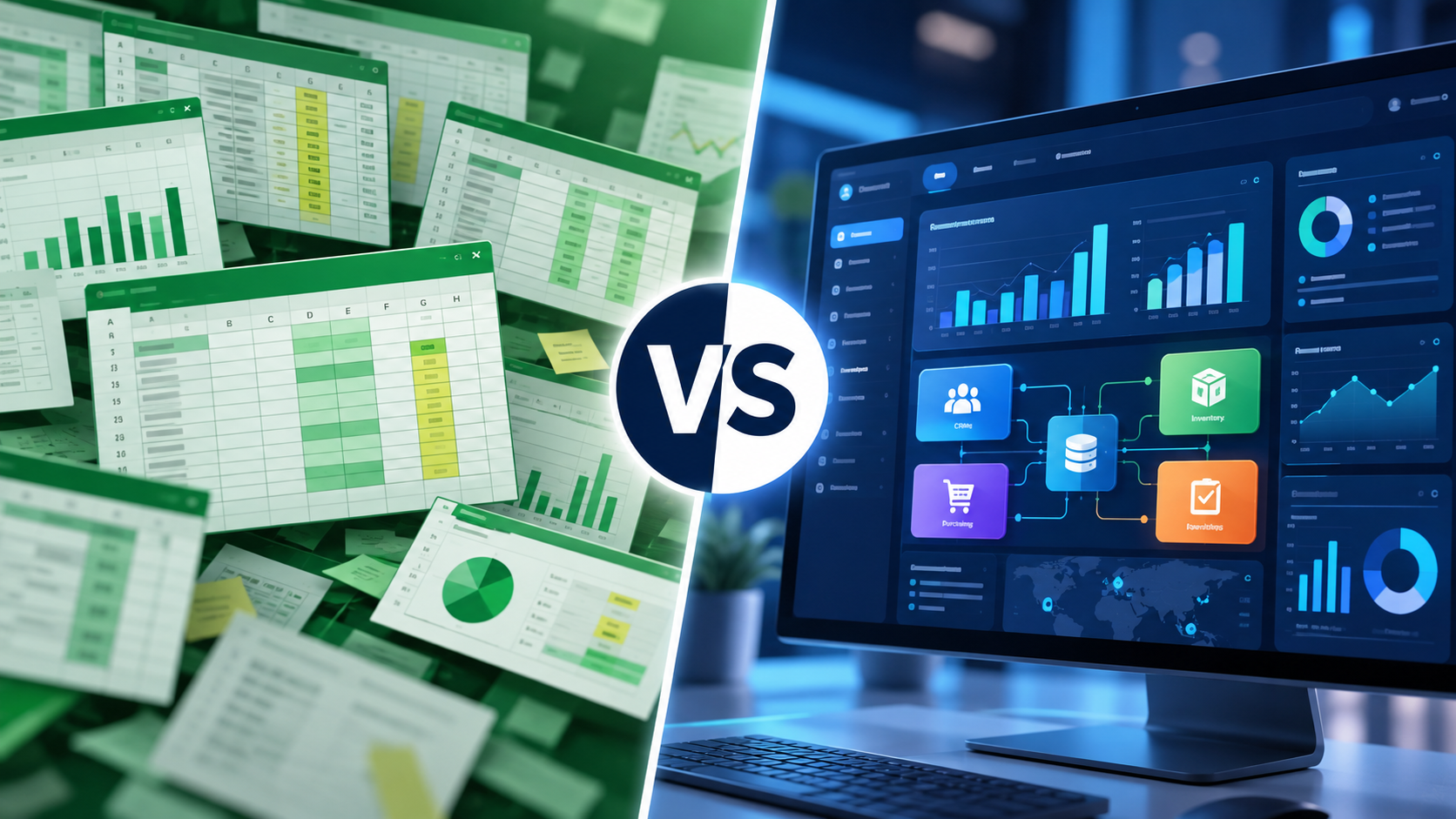
Almost every business goes through an Excel phase.
In the beginning, a few well-designed spreadsheets may be all that is needed. One file for customers, another for products, one for inventory and perhaps separate sheets for purchasing or tasks.
It is simple, flexible and familiar.
The problem is not that businesses use Excel.
The problem begins when the business has to adapt its operations to the spreadsheets instead of the spreadsheets supporting the business.
So where is the tipping point?
Why is Excel so useful?
Excel remains an extremely powerful business tool.
It is quick to create lists, calculate figures, sort and filter data, prepare reports and model different scenarios.
For a small business, it can work very well for:
- simple customer lists,
- cost tracking,
- basic inventory records,
- ad hoc reporting,
- planning,
- one-off calculations.
Excel and ERP are therefore not direct competitors.
They are designed to solve different problems.
The important question is how long a general-purpose spreadsheet can efficiently support the daily operations of an increasingly complex company.
What changes as a business grows?
With five customers, it may be easy to remember what happened.
With fifty, it becomes harder.
With five hundred, important business processes should no longer depend entirely on personal memory, emails and spreadsheets.
The same applies to products, inventory, warehouse movements, purchasing and tasks.
As a company grows, it is not only the amount of data that increases.
The number of relationships between that data increases as well.
A customer may be connected to:
- multiple contacts,
- tasks,
- documents,
- sales activities,
- orders,
- deliveries,
- financial information.
A product may be connected to:
- a manufacturer,
- category,
- price lists,
- stock levels,
- warehouse locations,
- goods receipts,
- warehouse issues,
- purchasing.
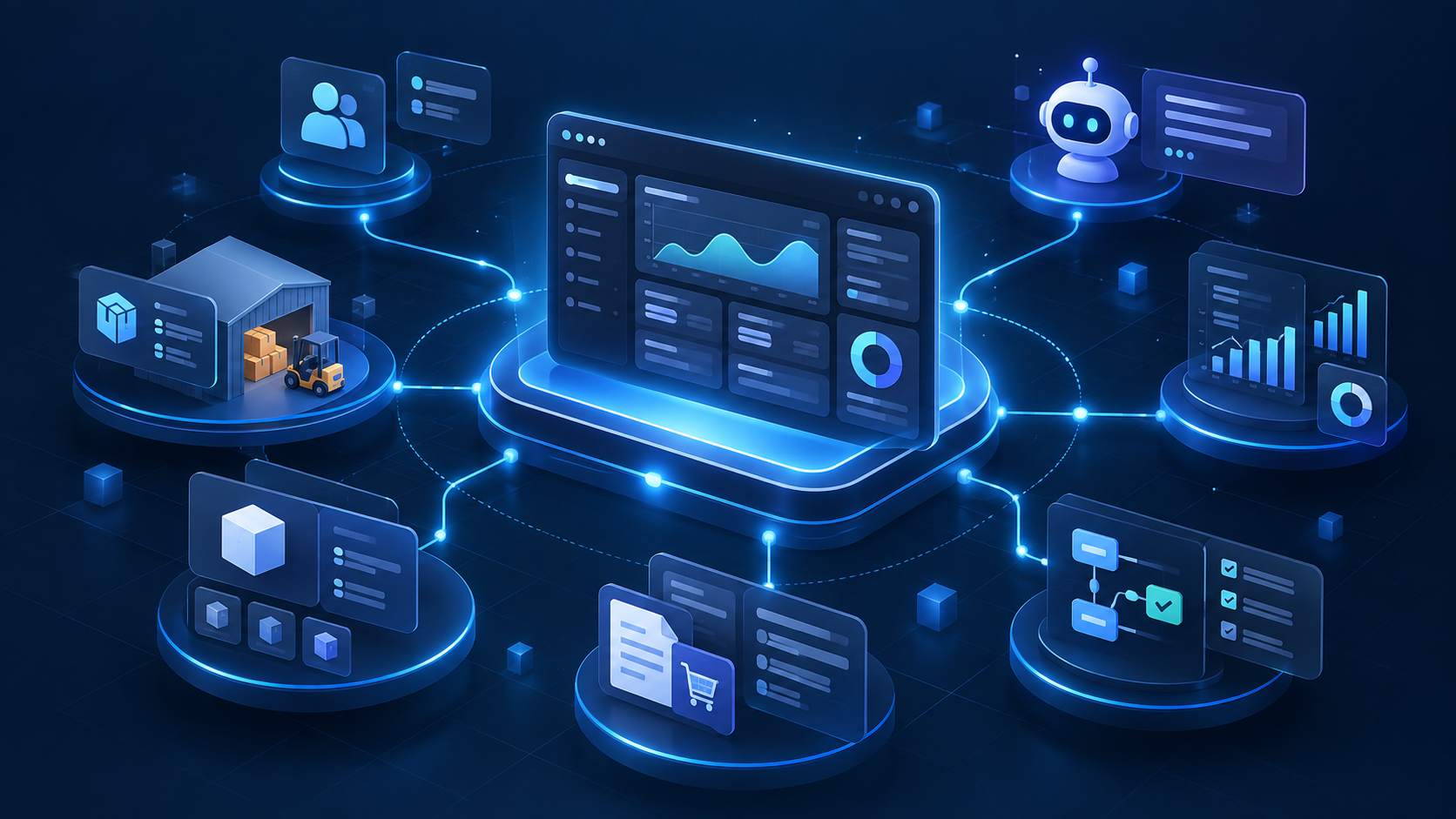
This is where one of the main strengths of ERP becomes clear: business information exists as connected data rather than isolated spreadsheets.
For a broader introduction, see What Is an ERP System and When Does a Business Need One?.
Sign 1: The same information is entered in several places
Imagine a new customer is created.
Sales adds the customer to a spreadsheet.
Billing requires the same details in another system.
A colleague adds tasks to a separate list.
The warehouse may maintain order information in another document.
One business event has now created multiple copies of essentially the same information.
If something changes, such as the customer's address or contact person, one copy may be updated while another remains outdated.
An integrated ERP aims to maintain key business information centrally so related processes can work from the same source.
Sign 2: Nobody knows which file is current
Many growing organisations eventually see file names such as:
Inventory.xlsx
Inventory_new.xlsx
Inventory_final.xlsx
Inventory_final_updated.xlsx
This may look harmless, but it creates genuine operational risk.
If two employees work from different versions, they may make decisions based on conflicting information.
A business system should make it clear which information represents the current state.
Sign 3: Several people need to work on the same process
Modern cloud spreadsheets support collaboration, and that is extremely useful.
But collaborative editing does not automatically create a structured business workflow.
Organisations often need to know:
- who created an item,
- who changed it,
- who is allowed to modify it,
- what status it is in,
- what should happen next,
- when the change took place.
A business application designed around processes can manage this more systematically.
Sign 4: Simple questions take too long to answer
A manager asks:
“How many units of this product do we currently have in stock?”
The answer should ideally not be:
“Give me a minute, I need to ask the warehouse.”
Or:
“I'll check the spreadsheet, although it may have changed since yesterday.”
As businesses grow, access to current information becomes increasingly important.
When warehouse events and stock information are connected, employees can work from a much clearer operational picture.
Sign 5: Too much time is spent copying information
Consider a simple warehouse event.
A product arrives.
Someone records the receipt.
Inventory is updated.
Another report is changed.
Purchasing may also update its own list.
One real-world event generates several administrative actions.
In an integrated environment, related processes can share information and reduce repetitive data entry.
That can save time and reduce opportunities for human error.
Sign 6: Access permissions are becoming important
As an organisation grows, giving everybody unrestricted access to every piece of information becomes increasingly inappropriate.
Different roles require different information.
For example:
- sales,
- warehouse,
- purchasing,
- management,
- administrators.
An ERP platform can include role-based permissions as part of the system itself.
The objective is to give employees access to the information required for their jobs without exposing everything to everyone.
Sign 7: You need to know who changed what
In spreadsheets, reconstructing the complete history of a business record can be difficult.
In business systems, traceability can become important.
Organisations may need to know:
- who changed a record,
- when it happened,
- which event was associated with it,
- which user performed an action.
This is useful not only for security.
It can also make troubleshooting and operational reviews much easier.
ERP does not mean abandoning Excel
Implementing ERP does not mean that Excel should disappear from the organisation.
Excel remains excellent for:
- analysis,
- custom calculations,
- planning,
- ad hoc reports,
- data import and export.
The distinction is that spreadsheets do not necessarily need to act as the company's primary operational database.
ERP can manage structured operational information while Excel continues to be used where it is strongest.
When might ERP still be unnecessary?
ERP should not be introduced simply because ERP exists.
If a business is very small, has simple processes, handles relatively few transactions and its spreadsheets remain clear and manageable, there may be no immediate reason to change.
The right time usually comes when existing tools visibly begin to limit the organisation.
ERP should solve operational problems, not create new ones.
ERP or several specialised applications?
After outgrowing spreadsheets, many businesses first adopt separate applications.
A CRM for sales.
Inventory software for the warehouse.
A separate task management tool.
Another application for purchasing.
This can work well, but it may introduce a new challenge: transferring information between applications.
One of ERP's most important strengths is therefore not necessarily offering the greatest possible number of features.
It is the ability to connect different business areas around shared data.
How does Velixa approach this?
Velixa is designed to provide growing businesses with a connected environment for important business processes.
Partner and customer records, products, inventory, warehouse events, purchasing and tasks can form parts of the same business platform rather than isolated information islands.
Import and export capabilities can also help businesses continue to work with existing data when moving away from spreadsheet-driven processes.
The objective is therefore not to “replace Excel”.
It is to use each tool where it is most appropriate.
Conclusion
Excel is an excellent tool and can remain valuable even after a business introduces ERP.
The need for a more integrated system becomes clearer when:
- the same data is maintained in multiple places,
- finding current information becomes difficult,
- manual administration consumes too much time,
- multiple employees work on the same processes,
- permissions and traceability become necessary,
- or existing tools begin to limit growth.
The real question is not simply Excel or ERP.
It is which tool is best suited to each stage and process of the business.
When spreadsheets begin to connect employees to manual administration more effectively than they connect business processes to each other, it may be time to explore a more integrated platform.
Less searching. More visibility. Better decisions.